
 By
ByPasskeys vs passwords is the security question every internet user now has to answer: passkeys win, because they replace a memorized secret with a cryptographic key pair that a phishing page cannot copy, guess, or intercept. The FIDO Alliance counted 5 billion passkeys in active use worldwide as of May 2026, and passkey logins now succeed 93% of the time versus 63% for passwords. This guide compares both methods head to head, with real 2026 data, so you can decide what to switch on your own accounts today.
What Is a Passkey and How Is It Different From a Password?
A passkey is a pair of cryptographic keys generated on your device when you set up an account: a private key that never leaves your phone, laptop, or security key, and a public key that the website stores. When you sign in, the site sends a challenge, your device signs it with the private key using your fingerprint, face, or screen lock as authorization, and the site verifies the signature with the public key. No shared secret ever crosses the network, which is the core difference in the passkeys vs passwords debate.
A password, by contrast, is a shared secret. You type it, the server checks it against a stored hash, and anyone who tricks you into typing it into a fake page now owns that secret too. Passkeys are built on the WebAuthn and FIDO2 standards, which cryptographically bind each key to the exact domain that created it, so a lookalike phishing domain simply cannot request a valid signature.
There are two flavors worth knowing. A synced passkey lives in a cloud keychain (iCloud Keychain, Google Password Manager, or a manager like 1Password) and follows you across every device signed into that account. A device-bound passkey stays locked to a single piece of hardware, such as a physical security key or an enterprise-managed laptop, and never leaves it even in encrypted form. Most consumers want synced passkeys for convenience; security teams often prefer device-bound keys for the highest-risk accounts because there is nothing to sync, steal, or restore from a compromised cloud account.
A common misconception is that passkeys upload your fingerprint or face scan to the website you are logging into. They do not. The biometric or PIN check only unlocks the private key locally, on your own hardware; the website never receives, stores, or even sees any biometric data at all. It only ever receives a cryptographic signature proving the correct device approved the request. Think of it less like handing over a key and more like a bouncer checking your ID against a photo only you can see, then radioing “approved” without describing what that photo looked like.
Passkeys vs Passwords: How Do They Actually Compare?
Side by side, the practical differences between passkeys and passwords show up in login speed, phishing resistance, and day-to-day account recovery. The table below summarizes the comparison using the FIDO Alliance’s 2026 World Passkey Day report, based on a survey of 11,000 consumers and 1,400 enterprise decision-makers across ten countries, including the United States, United Kingdom, Germany, Japan, and India.
| Factor | Passwords | Passkeys |
|---|---|---|
| Login success rate | 63% | 93% |
| Vulnerable to phishing | Yes, secret can be typed into a fake site | No, key is cryptographically bound to the real domain |
| Needs to be memorized | Yes | No, unlocked by biometrics or a device PIN |
| Reusable across sites | Often, which is risky | No, a unique key pair is generated per site |
| Consumer adoption (2026) | Declining as the sole primary method | 69% of consumers hold at least one |
| Recovery if a device is lost | Password reset email or SMS code | Cloud-synced backup or a second registered device |
The gap in login success rate alone explains why 68% of organizations are now deploying, piloting, or rolling out passkeys for employee authentication, according to the same FIDO Alliance research. Fewer failed logins also means fewer help-desk tickets: companies that have already switched report a 73% average reduction in sign-in time and an 81% drop in login-related support tickets, alongside a 47% improvement in reported security confidence among IT teams.
Why Are Passwords Getting Riskier in 2026?
Passwords were already the weakest point in most accounts, and generative AI has made attacking them dramatically easier. Hoxhunt’s 2026 Phishing Trends Report recorded a 14x surge in AI-generated phishing emails that slipped past filters over a single holiday season, with the AI-generated share of reported attacks jumping from under 5% to 56% in one month. Separately, Keepnet and KnowBe4 both found that 82.6% of phishing emails analyzed in 2026 now show clear signs of AI generation, from flawless grammar to cloned brand voice, delivered through email, SMS, QR codes, and even cloned voice calls.
The volume backs this up. The Anti-Phishing Working Group’s Phishing Activity Trends Report for Q1 2026 recorded 971,181 phishing attacks, a 13.8% increase over the previous quarter, with 766 unique brands impersonated across the period and one sector’s share of attacks climbing from 5.9% to 33% quarter over quarter. Attackers are also branching out beyond email: our breakdown of AI agent cyberattacks covers how autonomous bots are now probing corporate defenses months before a breach lands, frequently using stolen or reused passwords as the very first foothold.
Once a password is phished, the damage rarely stops at one account, because most people reuse credentials across email, banking, and work logins. That single point of failure across services is exactly what passkeys are designed to remove, since a passkey stolen from one site is mathematically useless everywhere else.
How Do Passkeys Actually Stop Phishing Attacks?
A passkey stops phishing at the protocol level, not just through user vigilance. Because the private key is generated for and bound to a specific origin (the exact domain, not just the brand name), your device will not even offer a passkey to a spoofed login page, no matter how convincing the copy or logo looks. There is no six-character string, one-time code, or “reset link” for an attacker to trick you into revealing, because nothing you know is being requested in the first place.
This also closes the door on credential stuffing, where attackers replay passwords leaked from one breach against hundreds of other sites hoping for reuse. A leaked passkey public key is useless on its own; without the matching private key sealed inside your device’s secure hardware, there is nothing to replay. If you maintain a WordPress site, the same principle applies to your admin login, and it is worth reading our guide to running a vulnerability disclosure program alongside any passkey rollout, since attackers will simply move to the next weakest entry point they can find.
Which Apps and Services Support Passkeys Right Now?
Passkey support has moved from experimental to mainstream across the services most people use daily. Google, Apple, and Microsoft all offer passkeys as the default recommended sign-in method across their ecosystems, and password managers including 1Password, Bitwarden, and Dashlane now sync passkeys across devices and operating systems rather than locking them to a single phone. Enterprise identity providers such as Okta and Microsoft Entra ID have also rolled out passkey enforcement policies for corporate accounts.
- Google and Gmail accounts, set as the default sign-in prompt since 2025
- Apple ID, synced automatically through iCloud Keychain
- Microsoft accounts, including Xbox and Microsoft 365 logins
- GitHub, for both personal and organization accounts
- Amazon, PayPal, and most major banking apps launched in the last 18 months
- Password managers such as 1Password, Bitwarden, and Dashlane, which sync passkeys across platforms
The FIDO Alliance’s 2026 data shows this is translating into real behavior change: 75% of consumers have now enabled a passkey on at least one account, up from 39% in 2024, and 49% say they use a passkey as their regular sign-in method whenever a site offers the option. Awareness has followed adoption, with 90% of consumers surveyed now recognizing what a passkey is, compared to a minority just two years earlier.
How Do You Set Up a Passkey? (Step-by-Step)
Setting up your first passkey takes under two minutes on most platforms and does not require any special hardware beyond the phone or laptop you already own.
- Update your device’s operating system and browser first; passkey support depends on recent security patches, similar to the fixes covered in our iOS security update guide.
- Open the account’s security or sign-in settings page on the service you want to protect.
- Look for “Passkeys,” “Security keys,” or “Passwordless sign-in” and select “Add” or “Create a passkey.”
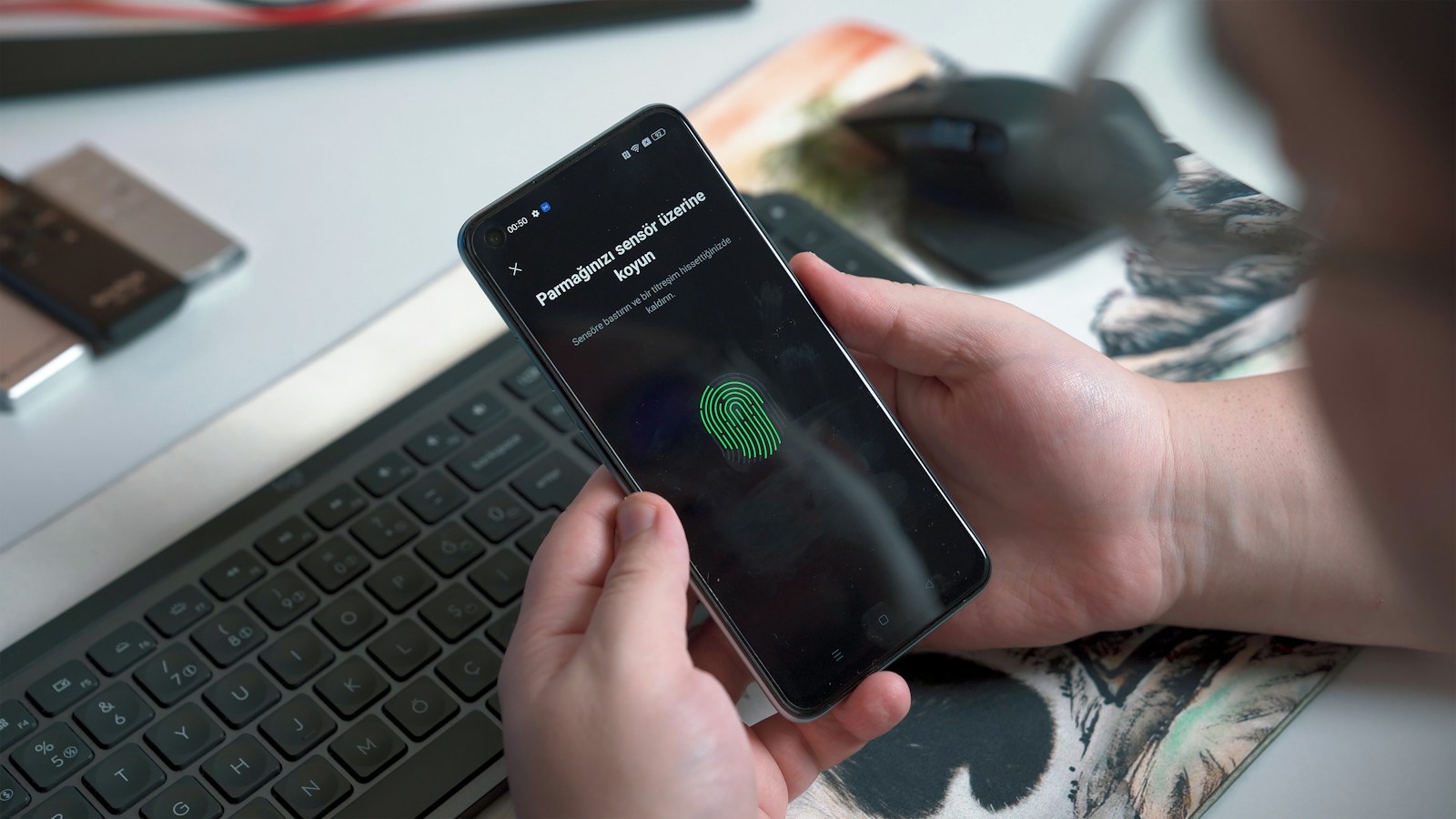
- Confirm the prompt using your device’s fingerprint sensor, face scan, or screen-lock PIN.
- Let your device or password manager sync the passkey to your other devices via iCloud Keychain, Google Password Manager, or a third-party vault.
- Keep at least one backup sign-in method active, such as a second registered device or printed recovery codes, until you have tested the passkey successfully.
Repeat this process for every high-value account: email, banking, cloud storage, and any WordPress or CMS admin login you manage, since compromised WordPress installs such as the All-in-One WP Migration flaw are frequently exploited using stolen or reused admin passwords rather than a technical bypass of the plugin itself.
How Should WordPress Site Owners Handle Passkeys vs Passwords?
WordPress core does not yet ship native passkey support for wp-admin, so the passkeys vs passwords decision for site owners today mostly comes down to layered defenses rather than a single switch. Application passwords, introduced for the REST API, are not a replacement for passkeys since they are still static shared secrets that can be phished or leaked in a misconfigured integration. Until a maintained passkey plugin becomes standard, the more effective combination is a unique admin password stored in a password manager, a hardware security key or authenticator app for two-factor login, and a limit on failed login attempts at the server level.
This matters because attackers do not need to break WordPress core to get in. Most real-world WordPress compromises trace back to a weak or reused credential on an admin account, an FTP login, or a plugin’s own settings page, not an exotic zero-day. Treat every plugin update notice with the same urgency you would give a password breach alert, since the underlying risk is identical: an attacker looking for the weakest credential on your site, not the strongest lock on the front door.
What Are the Limitations of Passkeys You Should Know About?
Passkeys are not perfect, and being honest about the tradeoffs matters more than hype. Synced passkeys depend on your cloud account (Apple ID, Google Account, or password manager vault) staying secure, so that account itself deserves its own strong protection, ideally a passkey too. Moving between ecosystems, for example switching from an iPhone to an Android phone, can also be clunkier than exporting a plain password, though cross-platform passkey export standards are actively improving in 2026.
Recovery flows are also still maturing. If you lose every device that held your passkeys and cannot access your cloud backup, some services fall back to slower identity-verification support processes rather than a simple password reset email. This is a real gap in the passkeys vs passwords tradeoff today, and it is exactly why security teams recommend registering a second device or a physical security key as a backup rather than relying on a single phone for every credential.
Passkeys vs Passwords: Which Should You Choose in 2026?
For any account that offers it, choose a passkey. The combination of a 93% login success rate, built-in phishing resistance, and zero memorization makes passkeys strictly better for both security and convenience once a service supports them. For the accounts that have not yet added passkey support, the second-best option remains a unique, randomly generated password stored in a password manager, paired with app-based two-factor authentication rather than SMS codes, which remain vulnerable to SIM-swap attacks.
Passwords are not disappearing overnight. Most organizations still run passwords in parallel with passkeys as a fallback, and 57% currently rely on at least one phishable method for primary employee sign-in somewhere in their systems. Treat 2026 as the year you start the switch in the passkeys vs passwords decision, not the year everything finishes switching for you automatically.
The right starting point depends on who you are. A casual reader should simply turn on a passkey wherever their email, banking, and social accounts already offer it, since that alone removes most everyday phishing risk. A freelancer or blogger managing client logins and a WordPress dashboard should prioritize a password manager plus a hardware security key for admin access, since that combination covers both passkey-ready services and the older logins that have not caught up yet. A small business owner should start with the identity provider staff already use daily, such as Google Workspace or Microsoft 365, because enabling passkeys there protects the most accounts with the least new tooling.
Frequently Asked Questions About Passkeys vs Passwords
Are passkeys actually safer than passwords?
Yes. Passkeys remove the shared secret that phishing, credential stuffing, and data breaches all depend on, which is why the FIDO Alliance reports a 93% login success rate for passkeys against 63% for passwords in 2026. The security advantage comes from cryptography, not from the user remembering to be careful.
Can a passkey be stolen or hacked?
The private key never leaves your device’s secure hardware, so it cannot be phished or intercepted over the network the way a password can. The main remaining risk is someone gaining physical access to an already-unlocked device, which is why biometric or PIN protection on the device itself still matters even after you switch to passkeys.
What happens if I lose the device holding my passkeys?
If your passkeys were synced through iCloud Keychain, Google Password Manager, or a third-party manager like 1Password or Bitwarden, you can sign in on a new device and restore them from that cloud account. This is why keeping at least one backup device or recovery code registered matters before you retire your old phone.
Do I still need a password manager if I use passkeys?
Yes, for now. Most accounts you use will not support passkeys yet, so a password manager still protects those remaining logins and, on many platforms, doubles as the sync mechanism that carries your passkeys securely between devices.
Are passkeys free to set up?
Yes. Creating a passkey costs nothing beyond a device you already own with a fingerprint sensor, face scan, or screen-lock PIN; no extra hardware or subscription is required for the built-in options offered by Google, Apple, and Microsoft.
Will passwords disappear completely?
Not in the near term. Even with 5 billion passkeys now in use, 57% of organizations still rely on passwords for primary sign-in somewhere in their systems, so plan on both methods in the passkeys vs passwords landscape coexisting for at least the next several years.
The short version: check your email provider, your phone maker’s account, and your password manager today, turn on a passkey wherever it is offered, and keep a password manager running everywhere else. That single afternoon of setup removes the exact weak point that 2026’s AI-driven phishing wave is built to exploit.
Subscribe for Newsletter

